Plate, Room and Hall
Plate gives you a bright, dense tail. Room sounds closer, and Hall adds depth.
A swell before the sound. A tail after it. Capture audio from your session and shape the transition right in your DAW.
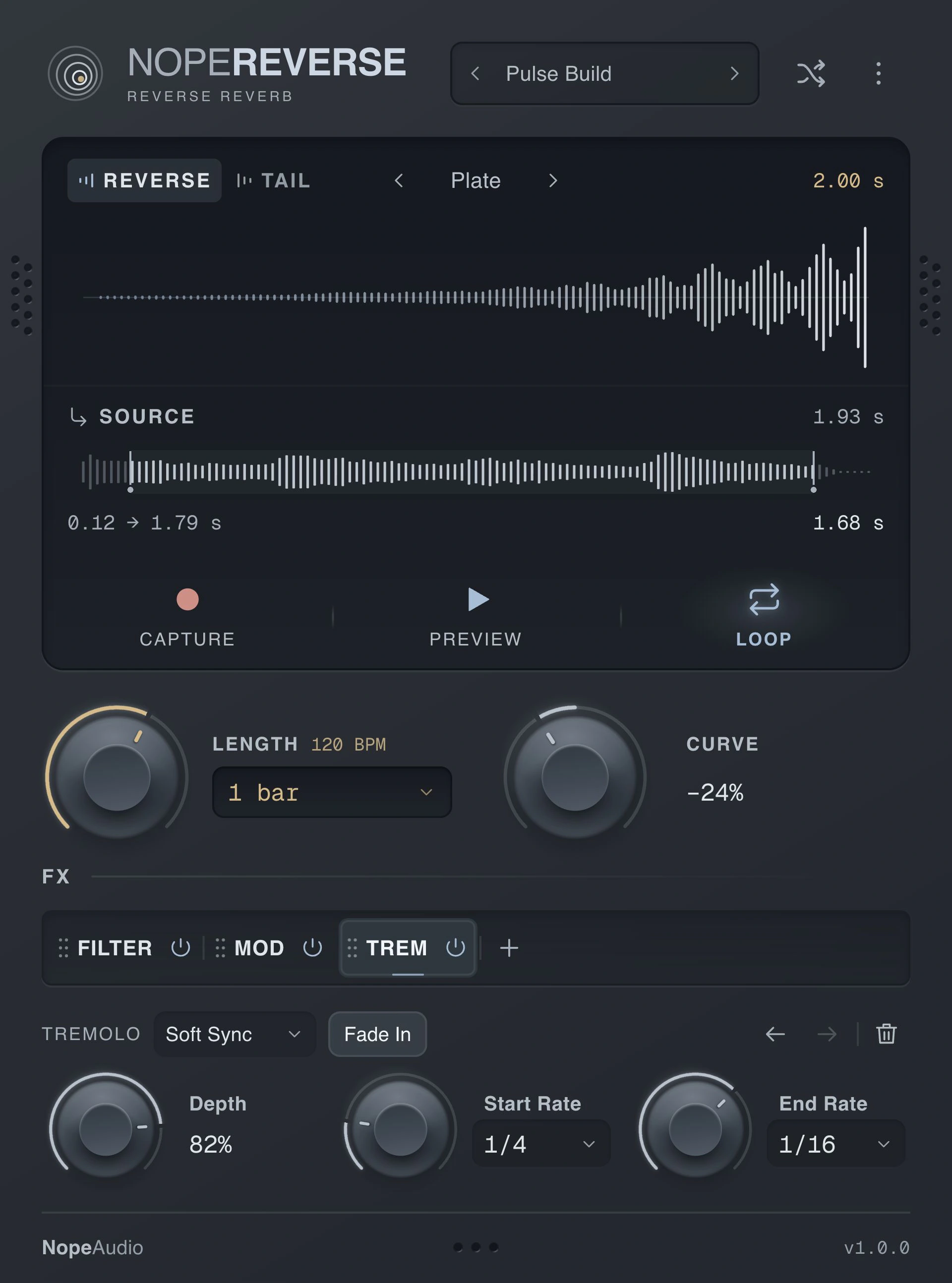
Drag the processed audio out of the plug-in and onto a track. NopeReverse creates the WAV automatically.
Room · Filter → Tremolo
Plate · Saturation → Chorus
Room · Sweep → Phaser
Hall · Chorus
Plate · Chorus → Tremolo
Hall · Filter → Chorus
Plate · Pitch → Saturation → Filter
Hall · Sweep → Chorus
Room · Flanger → Tremolo
Filter → Phaser
This example couldn’t play. Try again.
Build a quick swell before a hit, a long tail after a chord, or a transition that pulses in time with your track.
Plate gives you a bright, dense tail. Room sounds closer, and Hall adds depth.
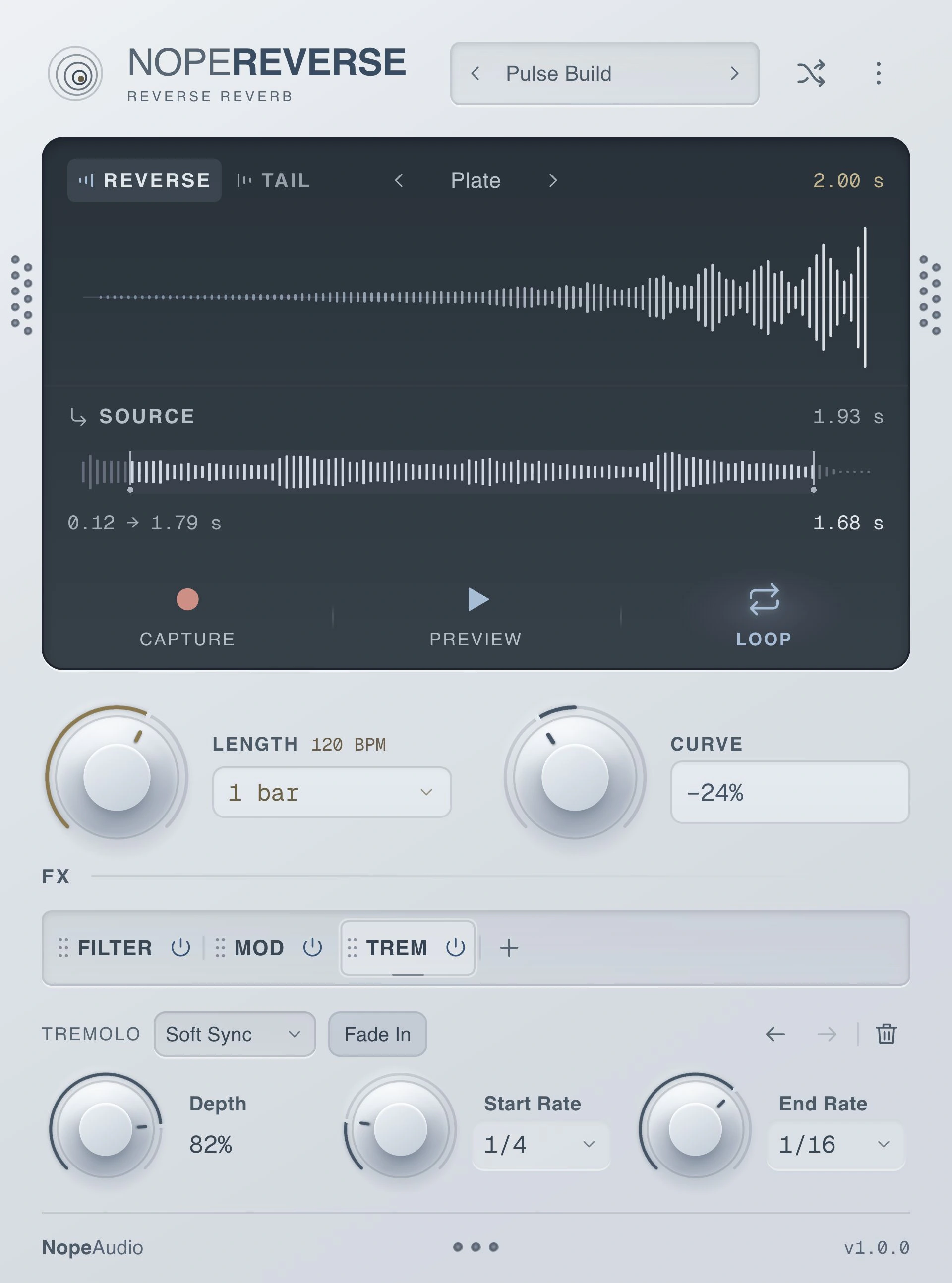
Sync the length to your session tempo or set it in seconds. Use Curve to shape the swell or decay.
Combine Pitch, Filter, Saturation, Sweep, Modulation and Tremolo. Put Saturation before Tremolo for a dense, pulsing tail.
Hear the effects in actionFactory presets. Start with a preset or click Random for a new combination.
The full version for 7 days, no card required.
Now $5
−50% launch price
No card needed for the trial · VST3 and AU
Only new releases and special offers.